Getting the Most Out of Codex CLI's 2026 Summer Updates: The Agents Dashboard, codex queue, and Bedrock Support
This blog's article illustrations are generated through Codex CLI's
$imagegen
, with no OpenAI API key involved (the script is public in the repo). More recently, I started handing Codex CLI something bigger: the entire backend for this blog's comment-and-like feature — a full AWS Amplify implementation — while I focus on review and verification instead of writing it myself. So Codex CLI isn't an occasional side tool for me; it's the thing I hand both content generation and infrastructure work to. That's the lens I used to read the July-August 2026 updates: not as a feature list, but as a question of how my day-to-day delegation workflow actually changes.
Version note: Behavior described here was verified as of August 20, 2026, against Codex CLI 0.148.0-0.149.0. Check
codex --version
against your own install before relying on any of this.
The first time I opened this, I honestly dismissed it as a cosmetic TUI change.
codex agents
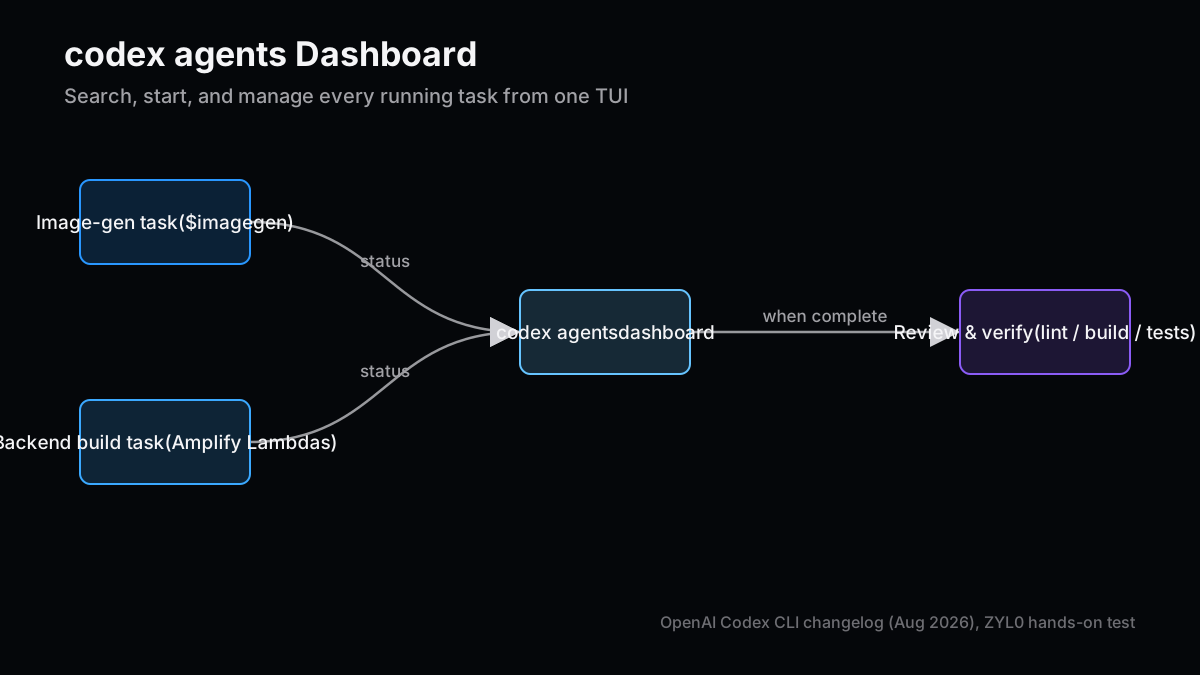
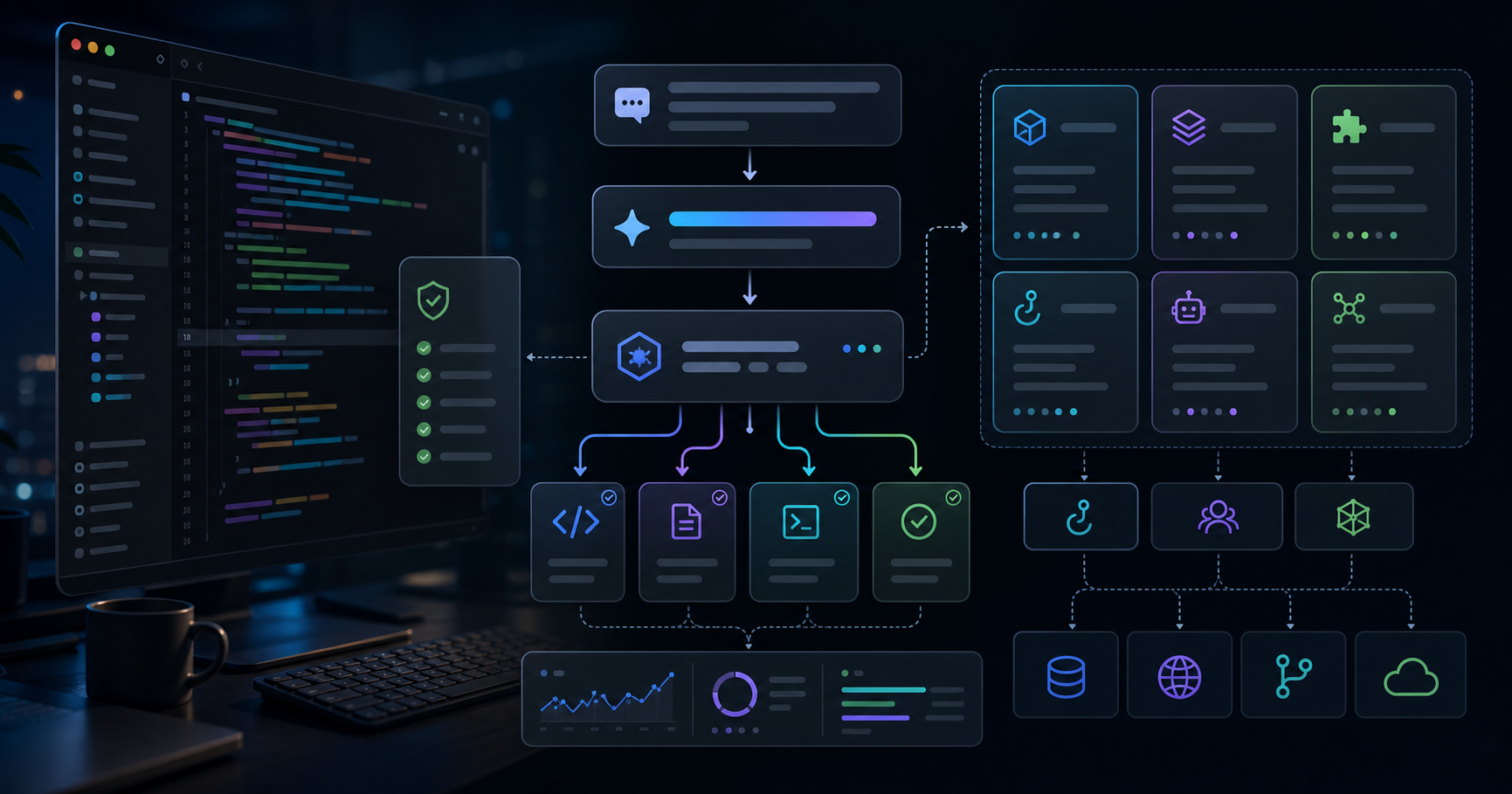
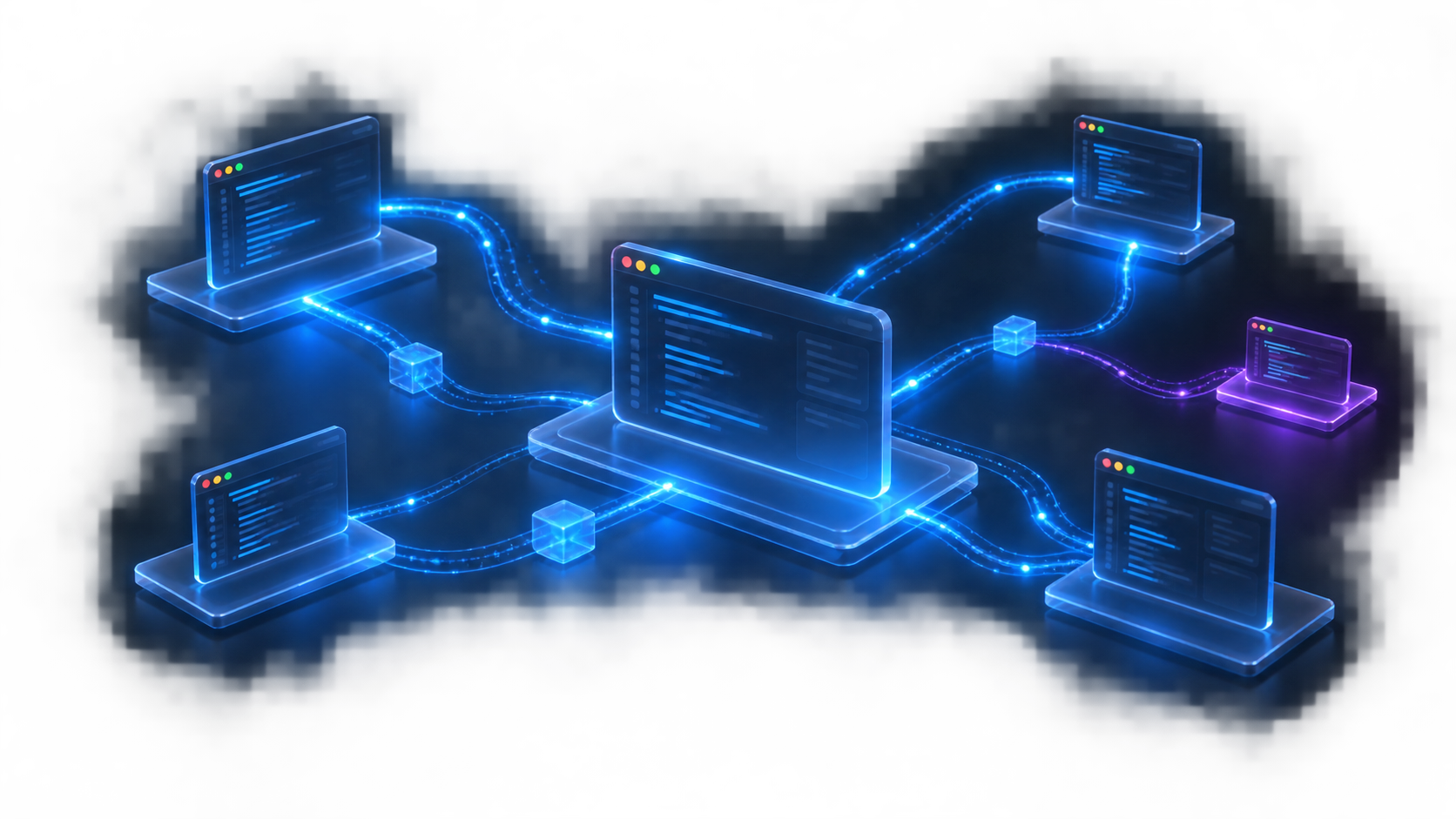
is a new interactive TUI command that lets you search, start, and manage every agent session running on the local or shared app server, with customizable shortcuts to move between running, completed, and archived tasks. Here's how I actually use it: when a blog image-generation task (
npm run generate:blog-images -- <slug>
) and a backend implementation task (this blog's Amplify Lambda functions) are running at the same time, I used to check progress on each by tailing separate log files with
Get-Content -Tail
. With
codex agents
, that check-in happens inside one dashboard.
Figure 1: Tracking both an image-generation task and a backend-implementation task from one
codex agents
dashboard.
The quieter win is session branching via
codex exec fork
combined with archive/restore from the resume picker. I forked a backend-implementation session right after the Amplify schema design landed, keeping one branch's schema frozen while trying "implement the Lambda functions" in the other. If the second branch goes wrong, I can restore and try a different approach — the cost of a wrong turn drops close to zero.
sends messages to existing local or remote sessions, and out of everything shipped in August 2026, this is the one that changed my actual workflow the most.
Previously, adding an instruction to a running task meant either waiting for it to finish or spinning up a separate session and merging the results later by hand. With
codex queue
, you can stack the next instruction onto a running session's queue. What I actually use this for: telling a backend-implementation session "once you're done, write the vitest tests too" via
codex queue
before the first task has even finished. Once the session wraps its current work, it moves automatically to whatever's next in the queue.
Dimension
Before (send sequentially)
codex queue
Timing of follow-up instructions
Confirm the previous task is done, then send manually
Can be queued while the task is still running
What you do while waiting
Wait for a completion notice, then trigger manually
Automatically advances to the next queued task
Best fit
You need to see the previous result before deciding what's next
"Once this is done, do this next" is already decided
The caveat: this doesn't help when you actually need to see the previous result before deciding what comes next.
codex queue
front-loads a fixed instruction; it doesn't make conditional judgment calls on your behalf.
saves an entire TUI conversation as Markdown. For a backend-implementation session, exporting the reasoning trail — why the Lambda functions ended up with
resourceGroupName: 'data'
, why the design switched from storing a raw token to a hash — turns into the starting point for the prompt the next time I hand off a similar implementation.
/cd
,
/pwd
, and
/cwd
let you check and change the working directory inside a TUI session. Moving between packages in a monorepo without restarting the session entirely is a small thing, but it removes a genuinely annoying bit of friction.
# Example usage inside a TUI session (conceptual)
/pwd                  # Check the current working directory
/cd amplify/functions # Move into a subdirectory; subsequent commands run there
/cwd                  # Confirm the working directory after the change
Beyond that, you can now draft prompts while the TUI is still initializing, and resume/fork progress shows up during startup. It's only a few seconds of dead time removed, but for someone restarting sessions multiple times a day, that adds up.
Amazon Bedrock becoming a built-in provider with AWS profile and region support is a genuinely welcome change for anyone working on AWS-backed projects. This blog's comment feature is itself now built on Amplify (AWS), and being able to route both infrastructure and model calls through the same AWS credential pipeline is a real win for both key management and day-to-day operations.
Raw config overrides for TypeScript SDK users also landed. When calling Codex through the SDK, you now have an escape hatch for setting values that weren't previously exposed through the public API, so you can adopt new options ahead of official SDK support.
The Vim editing improvements (character-replacement motions like
cw
,
c$
,
cc
) are small but reliably cut friction when rewriting long prompts. I frequently want to reword just one part of a prompt, and having these fine-grained edit commands available turns out to matter almost as much as generation quality for actual working speed.
's diagnostics now cover endpoint protection, network issues, and desktop app state, not just basic environment checks. Since I started handing backend implementation to Codex CLI, running this command is the first thing I do before reviewing any delegated result — check that the environment itself is healthy before trusting the output.
Another quiet win: thread cost/credit visibility in
/status
and the terminal title (on eligible workspaces). When you fire off something heavy like a backend build with
--background
, it's easy to lose track of cost. Being able to glance at the terminal title for a rough sense of spend is a small habit that's easy to keep up.
Feature
Before
After
My take
codex doctor
Basic environment checks only
Diagnoses endpoint protection, network, desktop app state
Now my standard pre-delegation check
Thread cost display
Easy to miss without checking
/status
Always visible in the terminal title
Helps keep a running sense of background-task cost
MCP server re-auth
Sometimes required a CLI restart after OAuth reauth
Recovers without a restart
Small, but reliably saves recovery time
Sandbox denied paths
Some fail-open exposure existed
Denied paths now fail closed (Linux/Windows)
A sensible security default
The deprecated
codex exec --full-auto
flag was also removed, consolidating around
--sandbox workspace-write
instead. This blog's own image-generation script already uses
--sandbox workspace-write --skip-git-repo-check
, so this consolidation was a welcome change from a script-maintenance standpoint too.
Now that I hand Codex CLI something as large as backend implementation, it's not been an unqualified win.
The codex agents dashboard assumes multi-task operation: if you only ever use Codex CLI for one-off code generation, the search/management features add almost nothing.
codex queue doesn't make conditional decisions for you: it's the wrong tool when "what happens next depends on the previous result" — it's built for front-loading fixed instructions, not branching logic.
Branching via fork creates a merge burden: reconciling changes made in one branch back into the other still ends up manual.
Bedrock support assumes AWS credential management is already in place: for environments not on AWS, this section offers close to zero benefit.
Always verify delegated work yourself: I never take Codex CLI's self-reported "done" at face value for an implementation. I independently re-run
npm run lint
,
npm run build
, and this blog's own validation scripts before accepting anything. Trusting a self-reported "complete" is the single most dangerous habit in this workflow.
Where this framing doesn't fit: if your usage pattern is "write one script once and you're done," most of the session-management and dashboard features covered here are unnecessary.
Of everything shipped in Codex CLI's July-August 2026 updates, the four I actually folded into daily use were the
codex agents
dashboard,
codex queue
,
/export
, and Bedrock support. What they have in common is that none of them assume "one code-generation call" — they all assume an ongoing pattern of delegating multiple tasks in parallel. Having stretched what I delegate to Codex CLI from image generation all the way to backend implementation, what I actually learned is that generation quality itself isn't the bottleneck anymore — how you manage and verify what you've delegated, on the CLI side, is.
Next Issue Ideas
Idea 1: Fully Pipelining Backend Implementation and Test Generation With codex queue — Chain schema design, Lambda implementation, and vitest test-writing through
codex queue
and measure the actual lead time from kickoff to verified completion.
Idea 2: Managing Delegated Tasks Across Multiple Repos From the codex agents Dashboard — Test how far dashboard shortcuts alone can manage tasks running in parallel across three or more repositories.
Idea 3: Running Codex CLI and Claude Code Delegation Side by Side on the Same Project — Using the same Amplify backend build as the test case, work out at an implementation level which tasks should go to which tool.
This article is for informational purposes only and does not constitute a recommendation to purchase any specific product or service. Feature behavior and version numbers reflect what was verified at the time of writing and are not a guarantee of future behavior. Generative AI was used for parts of the research, translation, and proofreading, with final structure and review by ZYL0. See the disclaimer for details.