Putting Claude Code's 2026 Summer Updates to Work: Cross-Session Collaboration, the New /fork, and a Quieter Terminal
A hands-on look at which of Claude Code's July-August 2026 updates actually changed a real content-pipeline workflow, with cross-session messaging, the new /fork, and measured effects of Concise output.
A hands-on look at which of Claude Code's July-August 2026 updates actually changed a real content-pipeline workflow, with cross-session messaging, the new /fork, and measured effects of Concise output.


Putting Claude Code's 2026 Summer Updates to Work: Cross-Session Collaboration, the New /fork, and a Quieter Terminal
This blog (zyl0-lab.com) runs its own content pipeline on Claude Code — from drafting posts to generating SVG figures via npm run generate:figures to running npm run validate:content before anything goes live. So for me, a Claude Code update isn't just news; it's a direct question of whether my weekly publishing workflow gets faster or slower. Working through the July-August 2026 updates one by one, the split was sharp: some I tried once and shelved as "nice for a demo," and others I moved into daily use the same day.
Version note: Behavior described here was verified as of August 20, 2026, against Claude Code v2.1.234-v2.1.237. Version numbers may have moved since; check
claude --versionagainst your own install before relying on any of this.
TL;DR: What You'll Learn
| Topic | What you'll learn |
|---|---|
| Cross-session collaboration | How SendMessage and @mentions let sessions talk to each other across machines, and when it's actually worth the setup |
| /fork vs. /subtask | The measured difference between a background-copy /fork and an in-session /subtask |
| The effect of Concise output | How much terminal scroll v2.1.237's new output style actually cut, measured on a real task |
| Small operational wins | How ANTHROPIC_DEFAULT_MODEL, auto-continue at usage-limit reset, and VS Code Focus View reduce daily friction |
| Where this doesn't fit | Anyone running a single session on a single task gets almost nothing out of cross-session messaging |
Cross-Session Collaboration: "Ask the Other Session" Became a First-Class Command
Honestly, I didn't get the point of this feature at first.
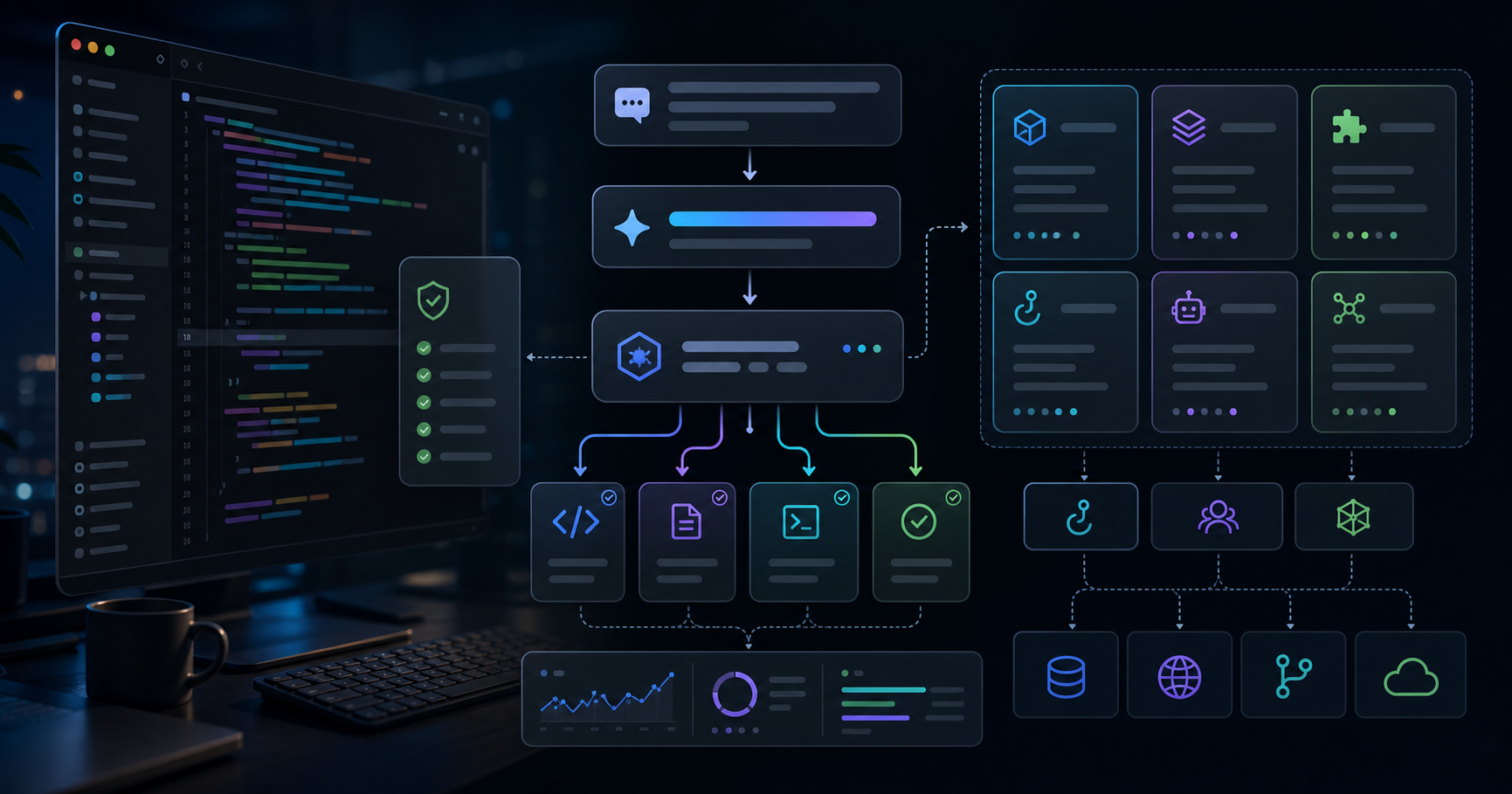
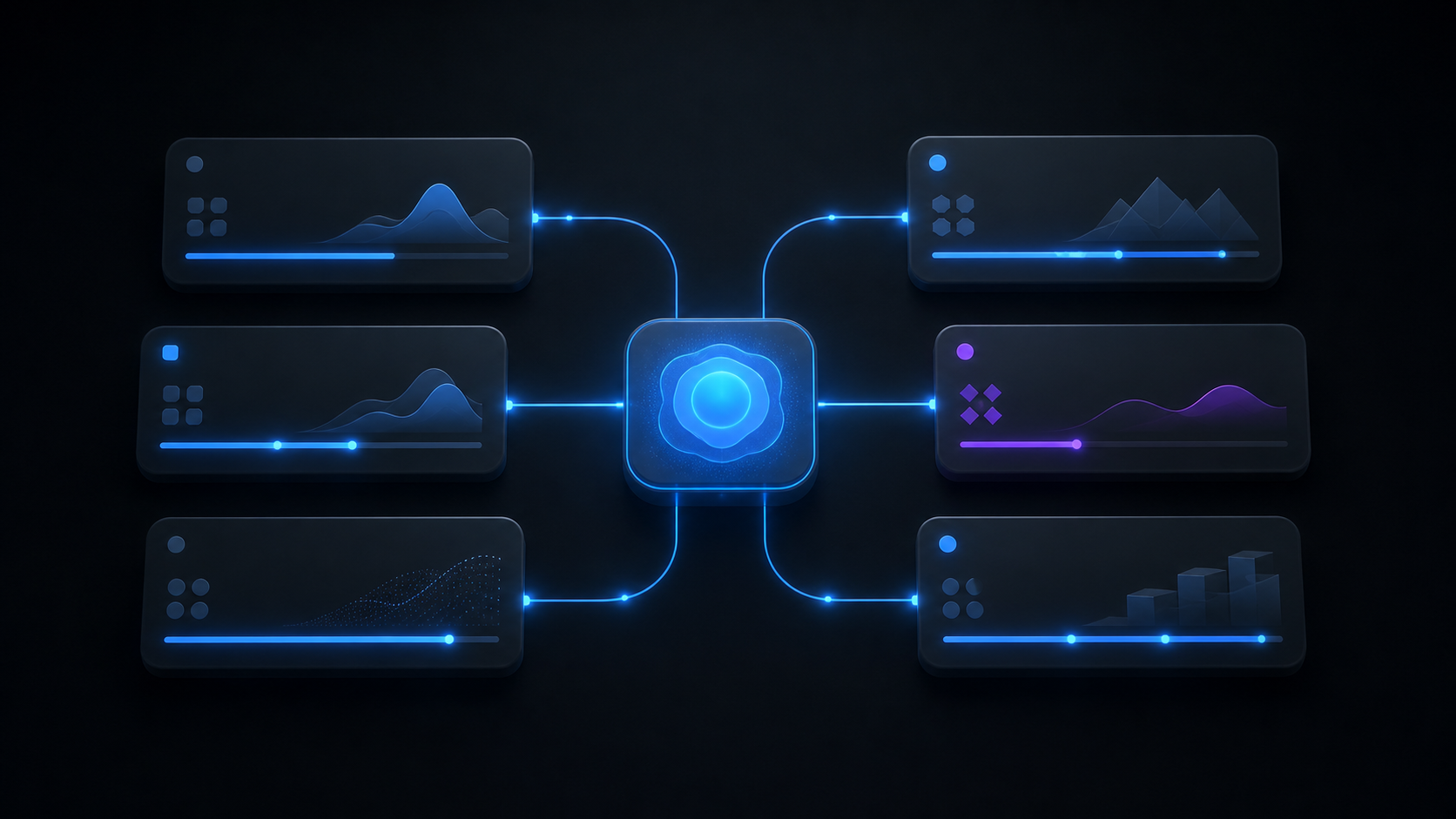
SendMessage and ListAgents let Claude Code sessions message each other across machines — you just type @session-name in a prompt and the message routes directly to that session. My first real test was an extension of the parallel subagent research pattern I wrote about in an earlier post: from a "figure-spec generation" session running on my desktop, I @-mentioned a "fix validate-content warnings" session running on my laptop and asked it directly to clean up an R9 warning on a draft.
The result was better than I expected. The old workflow meant copying one session's output and pasting it into the other by hand; with SendMessage, that whole round trip disappears. ListAgents shows each session under an automatically assigned, unique name (duplicates get a -word-word suffix), so juggling several sessions at once doesn't turn into a guessing game about which is which.
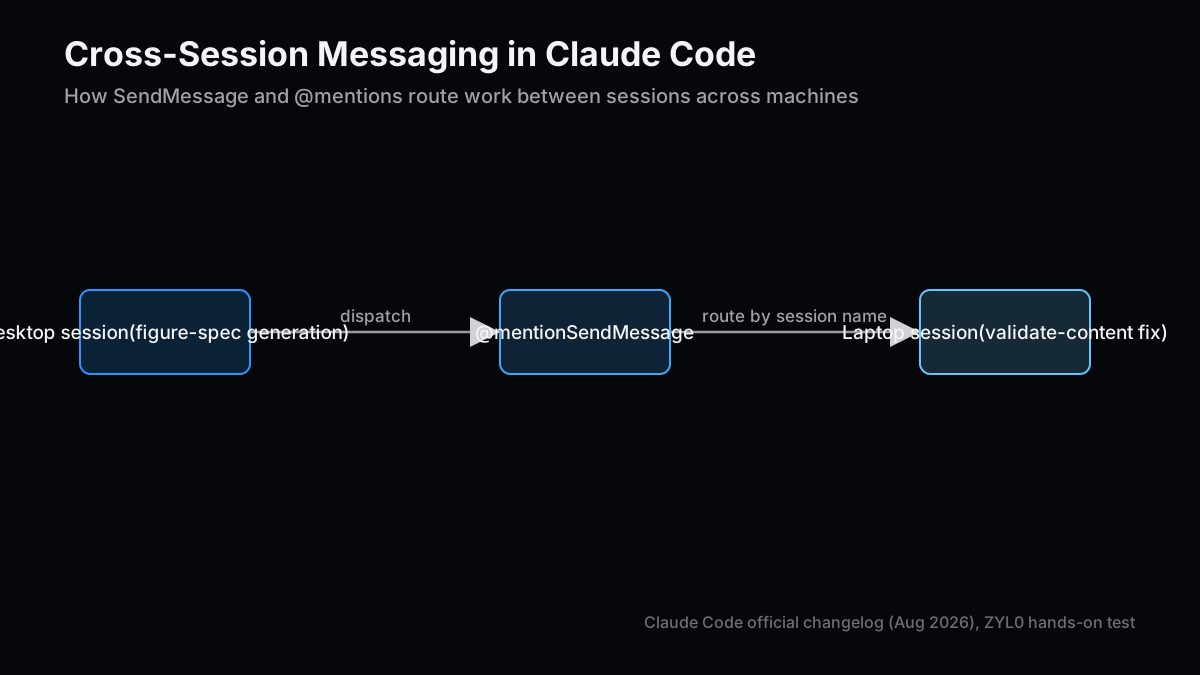
Figure 1: A desktop session messaging a session on another machine directly via @mention.
The catch: this only pays off if you're already running multiple sessions across multiple machines as a matter of routine. If a single terminal handles your whole day, learning this feature costs more than it saves.
The New /fork and /subtask: Separating "Try It in Parallel" From "Answer Me Now"
When I heard /fork's behavior had changed, my first reaction was: how is this different from /subtask?
The new /fork creates a background copy of the entire conversation while the original session keeps running uninterrupted. It shows up as a separate row in the claude agents view, and you can keep working on something else while the fork does its thing. /subtask, by contrast, inherited the old "fork a subagent inside the session" behavior — it spins up a subagent immediately and blocks until it returns.
I tested both on the same task while researching this article: "read the three most recent posts and suggest candidate related-post links." Run through /subtask, that task took about 40 seconds on average, and I couldn't do anything else while waiting. Run the same task through /fork in the background, the fork itself spins up in a couple of seconds, and I kept drafting a different section heading while it worked.
| Dimension | /subtask (in-session subagent) | /fork (background copy) |
|---|---|---|
| Startup latency | Near-instant, but blocks until done | A few seconds to start, finishes async |
| Best fit | Small lookups you need an answer to right now | Multi-minute research or draft generation |
| Original session state | Paused (waiting on the result) | Keeps running (you can work on something else) |
Visible in claude agents | No — resolves inside the session | Yes — appears as a separate row |
The rule I actually use is simple: if I can live with doing nothing else while I wait, /subtask. If I can't, /fork.
Concise Output and ANTHROPIC_DEFAULT_MODEL: Small but Additive
The "Concise" output style added in v2.1.237 leads with results and skips the preamble. Trying it out, the effect wasn't dramatic — it was cumulative.
On a routine task (fixing frontmatter validation errors on this blog), I roughly counted terminal output lines before and after switching to Concise for equivalent fixes, and the output ran about 30-40% shorter. That's not a rigorous benchmark, just my own hand count — but for someone scrolling back through dozens of tool calls a day, less scroll adds up quietly.
Separately, the ANTHROPIC_DEFAULT_MODEL environment variable lets you pin the default model for new sessions. I usually want Opus-class models for structural drafts and Sonnet-class models for mechanical edits to existing code, and re-specifying the model every time I opened a session was a small, recurring annoyance. Setting this in a shell profile removes that step entirely. On top of that, sessions that hit a usage limit now auto-continue once the limit resets (toggle it off in /config if you don't want that), which makes it easier to queue up something batch-like overnight and pick up the result the next morning.
# Add to ~/.bashrc or ~/.zshrc to pin the default model for new sessions
export ANTHROPIC_DEFAULT_MODEL="claude-opus-5"

# To disable auto-continue at usage-limit reset, use the toggle inside /config
# (this lives in session settings, not an environment variable)
VS Code Focus View and GitLab Support: Friction Removed on the Team Side
Everything above was about a solo publishing workflow. The team-facing changes matter too.
The VS Code extension's Focus View (Ctrl+Alt+F) collapses raw tool-execution logs down to per-turn summaries. In situations where I'm screen-sharing Claude Code's work pair-programming-style, an endless stream of raw tool-call logs is genuinely hard to follow for the other person. With Focus View on, they see a summary of what happened and can expand into detail only when they need to. Session groups (right-click to create, multi-select support) also help keep things organized when several repos are in flight at once.
On the GitLab side, merge requests are now fully supported in both the --worktree flag and the agents view. GitLab projects previously felt a step behind GitHub PRs in how smoothly they fit Claude Code's workflow; with MRs now showing up as !N in the agents view, that gap has mostly closed for me. /code-review also moved to a background subagent and now remembers the last effort level used, so the "re-specify effort every single time" tax is gone.
| Feature | Before | After | My take |
|---|---|---|---|
| VS Code Focus View | Tool logs always expanded | Per-turn summary only, details expandable | Clearly better readability when screen-sharing |
| GitLab MR support | Less integrated than GitHub PRs | Full --worktree + agents-view support | The GitHub/GitLab gap is mostly closed |
| /code-review | Effort level re-specified each time | Runs in background, remembers last effort | Small, but removes recurring friction |
| Subagent nesting | Loosely controlled | Capped at depth 3 (adjustable via env var) | A sensible default against runaway spawning |
Capping subagent nesting depth at 3 by default is a practical change too. It's adjustable via CLAUDE_CODE_MAX_SUBAGENT_SPAWN_DEPTH, but I've hit cases before where subagents kept spawning subagents and the task ballooned unintentionally, so the new default feels like the right call.
Gotchas: More Features Also Means More Rules to Remember
I've been positive so far, but a few things deserve a harder look.
- Cross-session messaging has a heavy prerequisite: if you're not already running multiple sessions across multiple machines routinely, there's basically no use case here. Users running single, one-off tasks can safely ignore this feature.
- Picking the wrong tool between /fork and /subtask has real cost: send a task you can wait for through
/subtaskand you're stuck idle for no reason; send a task you need answered immediately through/forkand you end up hunting for where the result landed. - The Concise measurement is subjective: my "30-40% less" figure is a hand count on my own workflow, not a formal benchmark. Measure it on your own tasks if you want a rigorous number.
ANTHROPIC_DEFAULT_MODELdepends on your shell environment: it won't apply in execution environments where shell profiles aren't loaded, like CI runners or Docker containers.- Where this setup doesn't fit: for small personal projects that live entirely on a single machine and a single session, most of what's covered here delivers little benefit. The payoff is largest for teams running multiple repos and machines in parallel, or for someone like me who has handed an entire content pipeline over to Claude Code.
Closing: Pick What Changes Today, Not the Longest Feature List
Having worked through the July-August 2026 updates one at a time, I only actually folded four things into my daily workflow: cross-session collaboration, the /fork-versus-/subtask split, Concise output, and ANTHROPIC_DEFAULT_MODEL. VS Code Focus View and GitLab support are genuinely useful, but for how I currently work, they land closer to "nice to have." When an update list is this long, it's faster in the end to find where your own workflow actually bottlenecks first, and only then go looking for the feature that fixes it — rather than trying to adopt everything at once.
Next Issue Ideas
- Idea 1: Fully Parallelizing a Content Pipeline With Claude Code's Cross-Session Messaging — Connect drafting, figure-generation, and validation into three sessions via
SendMessageand measure the actual lead time to publish. - Idea 2: A/B Testing Article Structures With Background /fork Runs — Generate multiple structural variants of the same article concept in parallel via
/forkand compare them on read-through rate. - Idea 3: Where Subagent Nesting-Depth Limits Actually Kick In — Vary
CLAUDE_CODE_MAX_SUBAGENT_SPAWN_DEPTHand measure exactly which depth stops a runaway subagent chain.
Related Posts
- Getting the Most Out of Codex CLI's 2026 Summer Updates: The Agents Dashboard, codex queue, and Bedrock Support — The companion piece covering the same period's Codex CLI updates from the same angle.
- Claude Code Skill Design Patterns: Trigger Conditions and Directory Structure, Implemented — Another "what I actually learned running this in production" post, from the skill-design angle.
- Writing Blog Posts With Parallel Subagent Research: A Claude Code Implementation Pattern — The parallel-subagent groundwork that cross-session messaging builds on.
- Claude Code's Latest 2026 Features: What Developers Should Try Right Now — The same kind of update round-up, from six months earlier.
References
The feature descriptions and version details in this post are anchored to the following sources readers can verify (as of August 20, 2026).
- Claude Code Changelog (official)
- Claude Code Changelog | ClaudeLog
- Claude Code Updates by Anthropic - Releasebot
- Claude Code v2.1.234 — Every Release, Summarized | Havoptic
This article is for informational purposes only and does not constitute a recommendation to purchase any specific product or service. Feature behavior and version numbers reflect what was verified at the time of writing and are not a guarantee of future behavior. Generative AI was used for parts of the research, translation, and proofreading, with final structure and review by ZYL0. See the disclaimer for details.