How Claude Cut My Video + Web Workflow to 1/5 the Time
Combining Skills, MCP, and Claude Design to run planning → design → video script → publishing as one continuous flow collapsed my production time dramatically. A creator's hands-on guide to stitching the tools together, drawn from real work.

Combining Skills, MCP, and Claude Design to run planning → design → video script → publishing as one continuous flow collapsed my production time dramatically. A creator's hands-on guide to stitching the tools together, drawn from real work.


How Claude Cut My Video + Web Workflow to 1/5 the Time
I run a VC day job and a one-person YouTube/X/blog operation on the side, and since Claude Design dropped in April 2026, the 15 hours I used to spend each week on a single video plus a landing page collapsed to three. Honestly, my first reaction was "another AI hype cycle." Then I started chaining Skills, MCP, and Claude Design as one workflow — and the picture changed completely. This is the actual chain I run, with the time numbers attached.
The "More Tools, Less Time" Trap
The most frustrating thing of the last two years has been that adding more tools didn't free up any time.
- Scripts in ChatGPT
- Editing in CapCut or DaVinci
- Thumbnails in Canva
- Landing pages in Figma → Webflow
- Social copy in yet another AI
- Research in yet another AI
If you're a one-person creator, you know this pain. "AI saves time!" — except your time evaporates into copy-paste and format-fixing between tools. Back when I was just bolting AIs onto my workflow, I was still spending 20+ hours a week on creative tasks, and quality was inconsistent.
The thing that finally broke that loop was Claude's Skills × MCP × Claude Design combination — used as a workflow, not as three features.
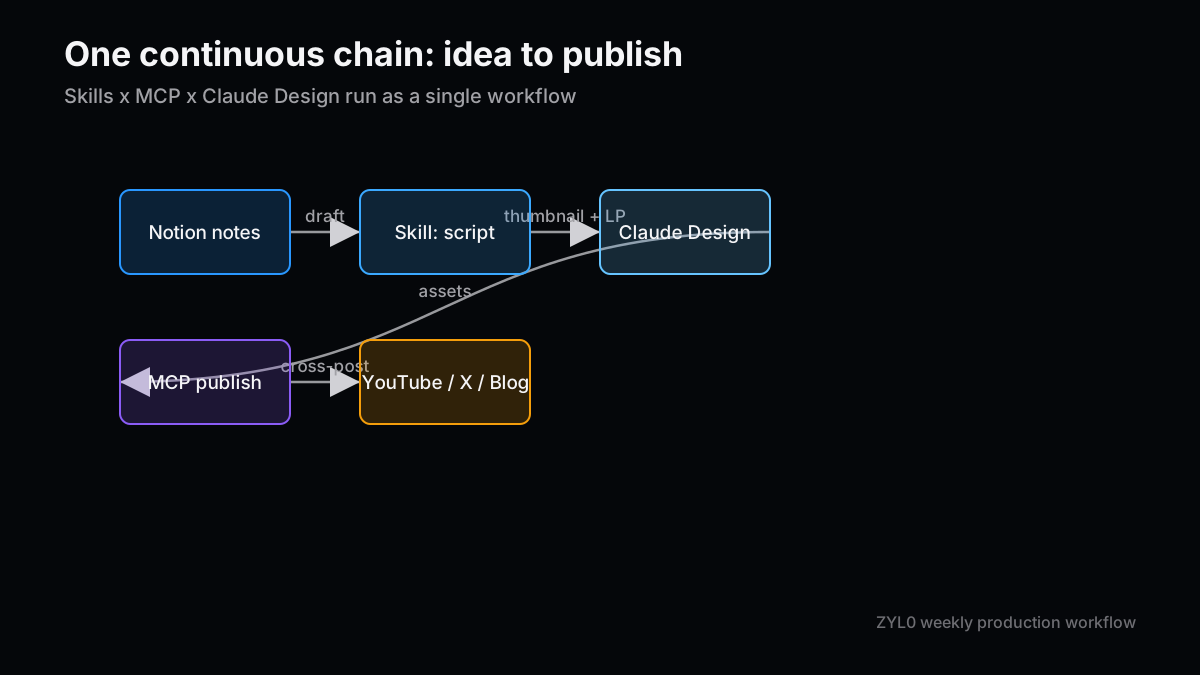
What "Chaining Them" Actually Means
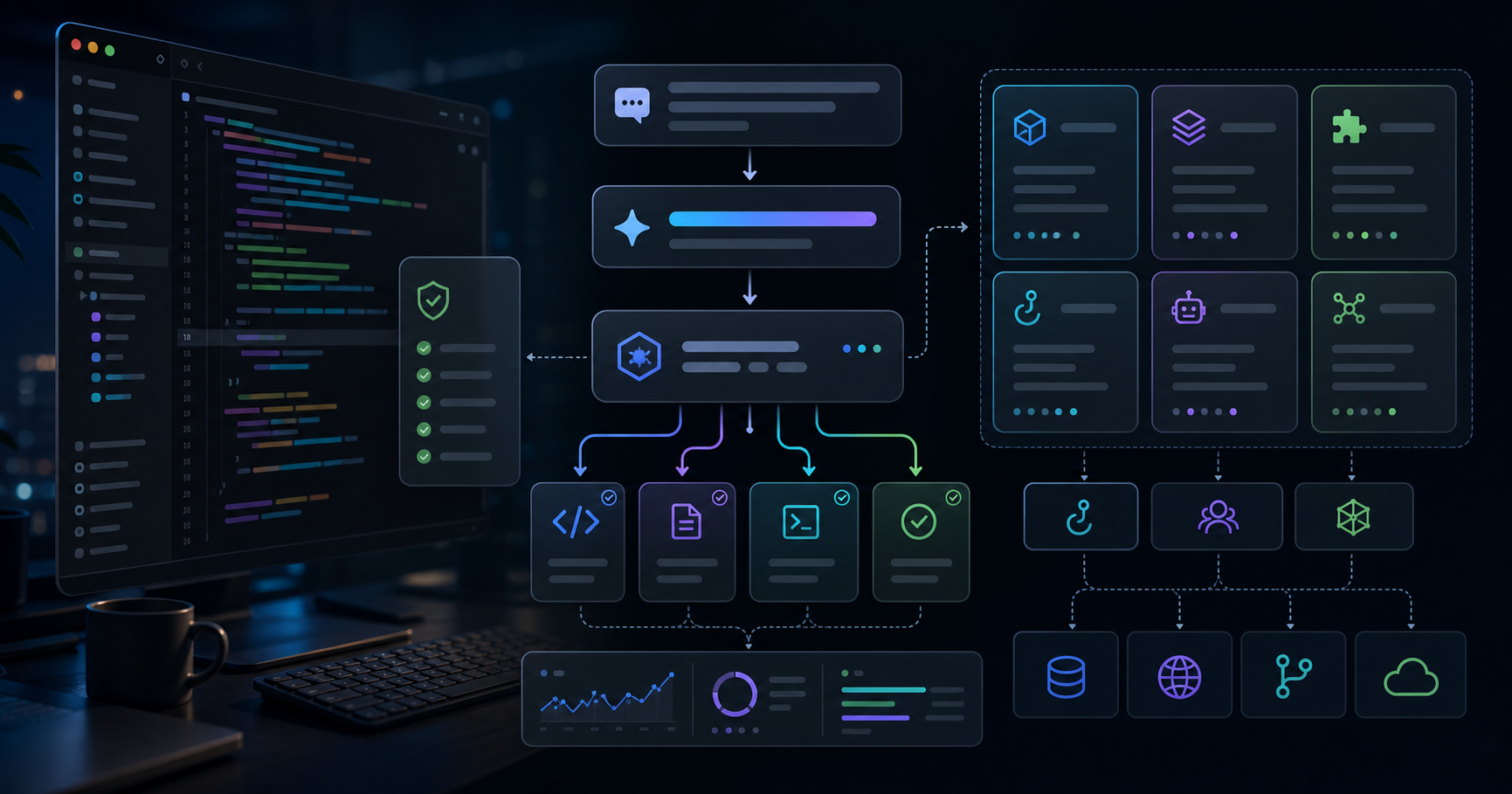
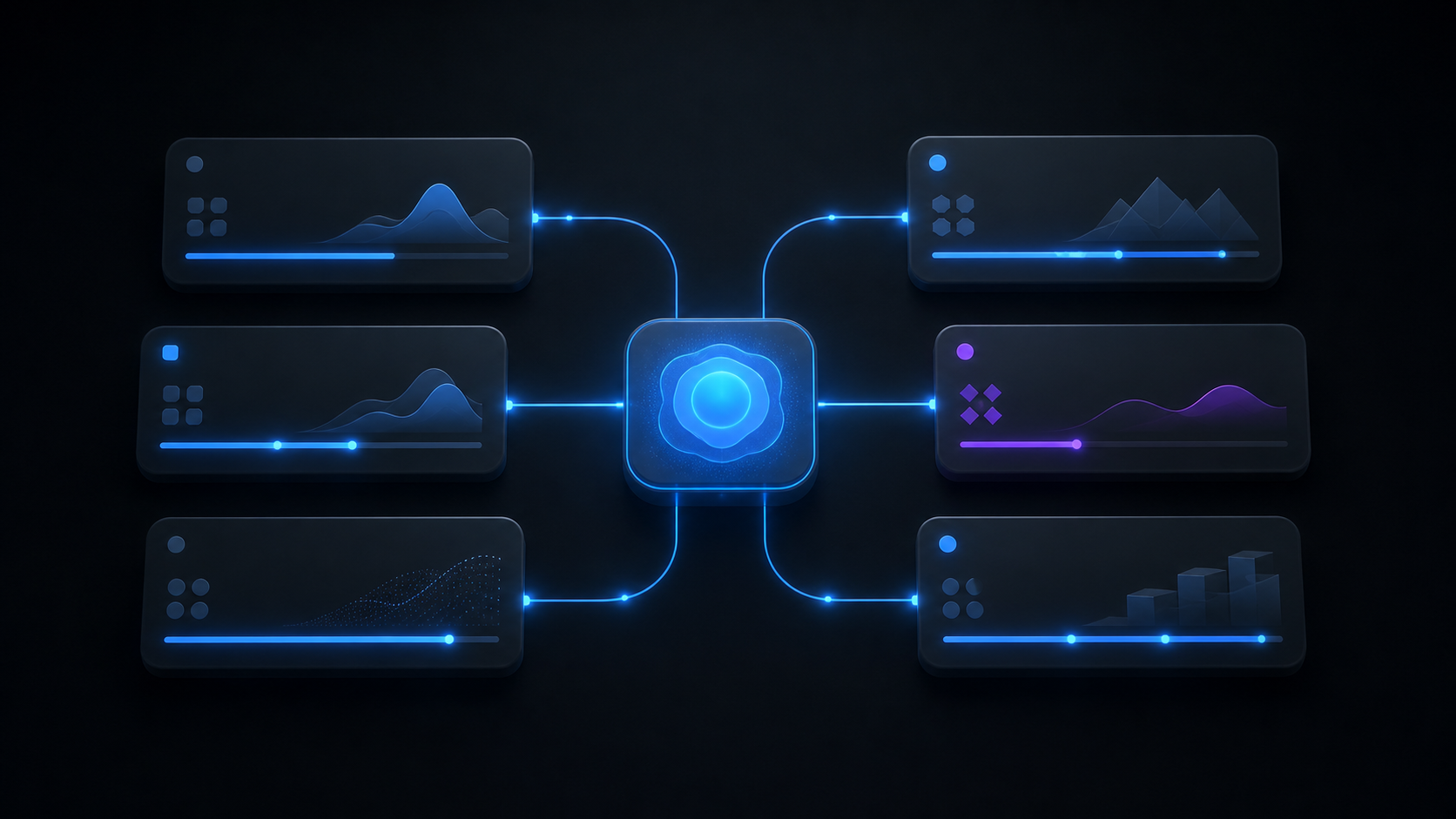
Each piece on its own is just another feature. Together they become a single operating loop.
Roughly:
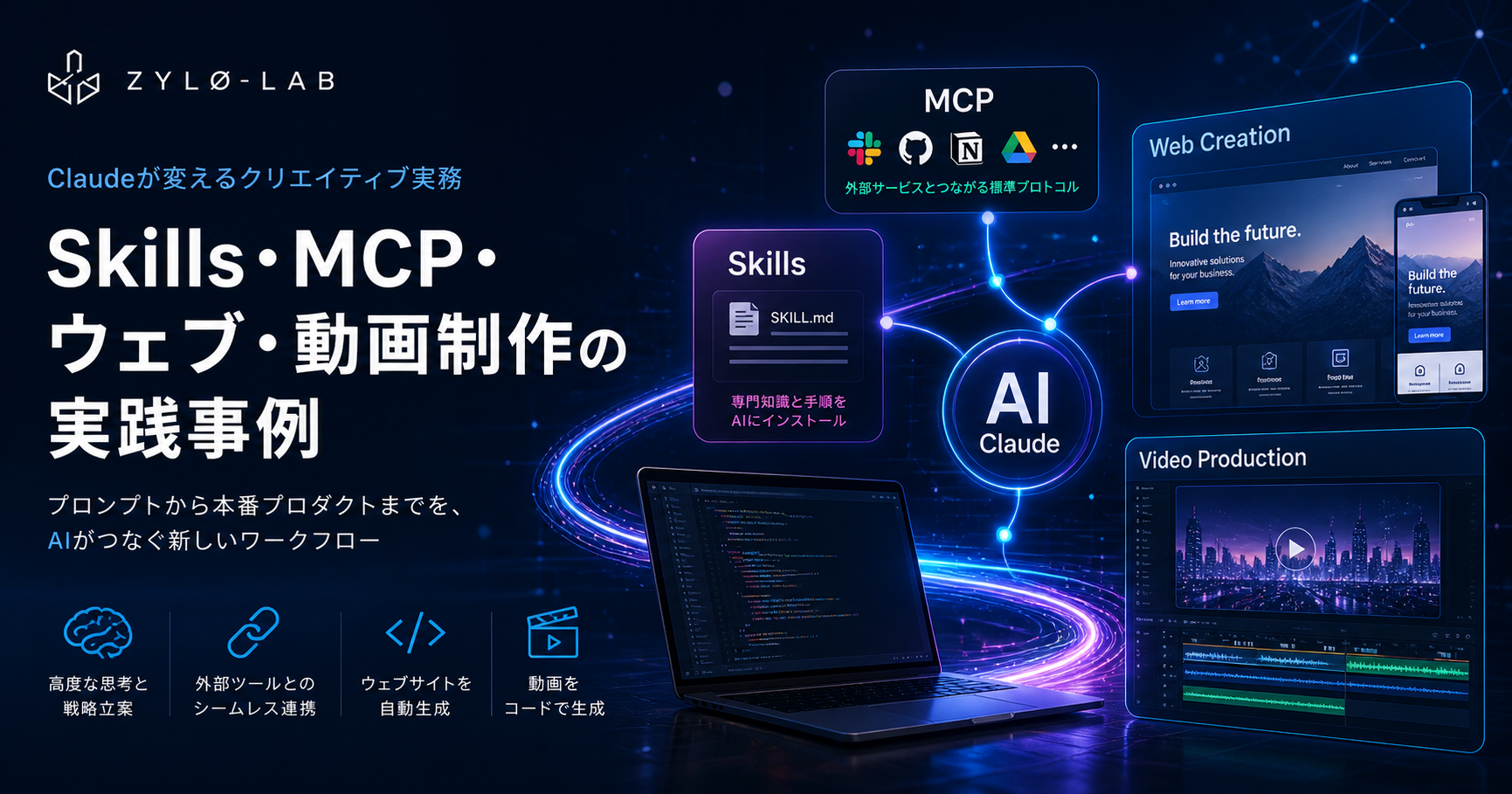
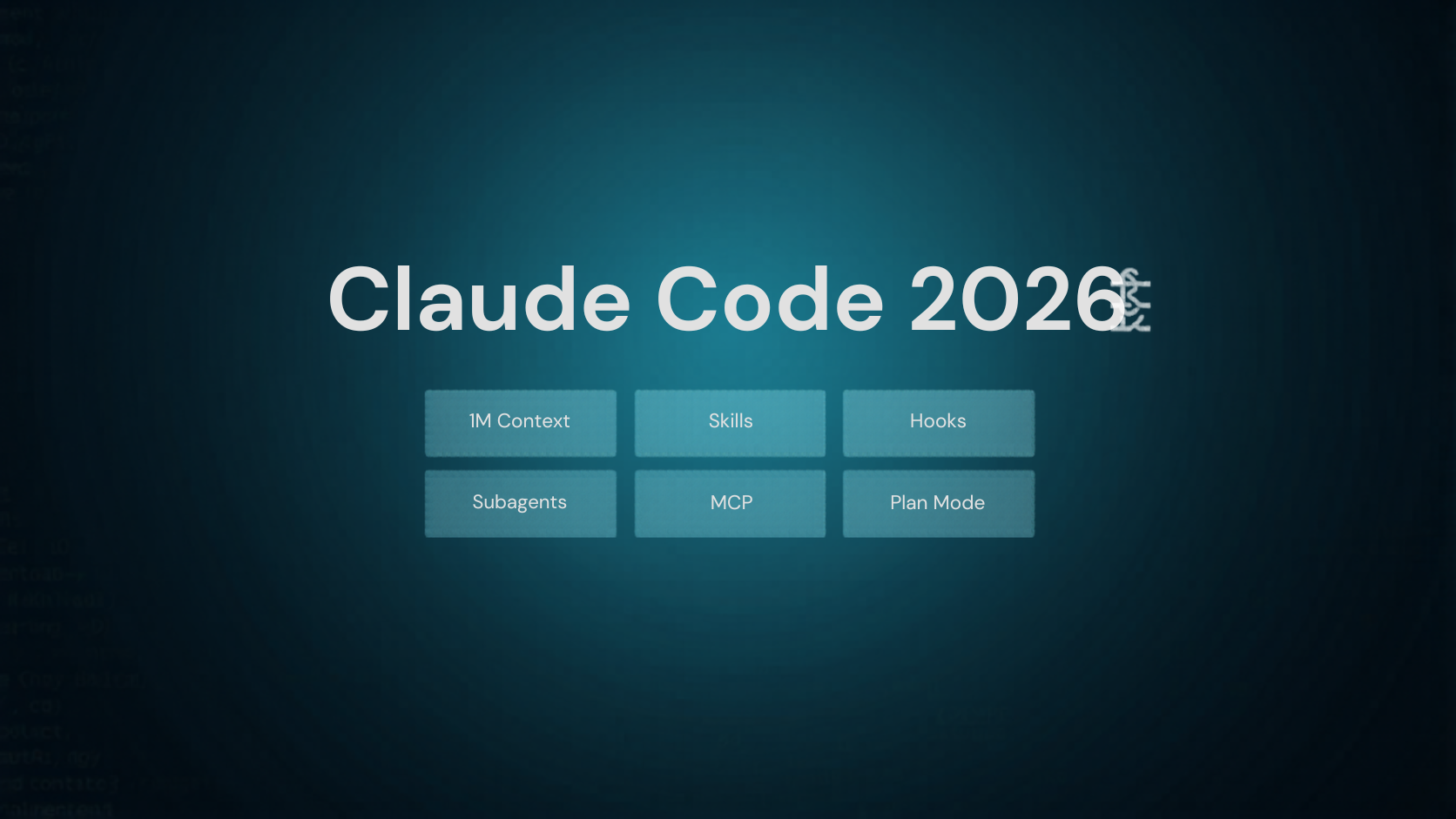
- Skills — where you teach Claude your blog format, video script template, brand voice
- MCP — the "USB-C" connector to Notion, Google Drive, YouTube, Figma, etc.
- Claude Design — generates prototypes, slides, landing pages, thumbnail mockups via conversation
For my blog (ZYL0), I built a Skill called "zyl0-blog-writer" that knows my structure, voice, and frontmatter. That alone saves 40–50 minutes per article because I no longer re-explain rules. Then I pointed MCP at my Notion, so "turn last week's research notes into this week's video script" gives me a usable draft immediately.
To be honest, the first setup (building the Skill, wiring the MCP servers) takes half a day. Most people quit there. But on the other side of that wall, the leverage is non-linear.
The 15 → 3 Hour Breakdown
Here's my actual Friday-shipping workflow before and after.
Before (using AIs as separate tools)
- Mon: brainstorm in ChatGPT (2 hr)
- Tue: write script in ChatGPT (3 hr)
- Wed: thumbnail + LP in Figma + Canva (4 hr)
- Thu: shoot + edit in CapCut (5 hr)
- Fri: write social copy across multiple tools (1 hr)
- Total: ~15 hours/week
After (chained Skills + MCP + Claude Design)
- Mon: drop notes in Notion (5 min) → 3 episode angles via my Skill (10 min)
- Tue: "Write the script using the Skill" (30 min) → human edit (30 min)
- Wed: thumbnail + LP prototype via Claude Design (45 min)
- Thu: shoot stays the same (90 min); editing saves ~30 min via AI captions
- Fri: cross-platform social copy through MCP (10 min)
- Total: ~3 hours/week (including 90 min shoot)
Laid out day by day, it is clear where the hours actually disappear.
| Day | Task | Before (separate AIs) | After (chained) | What did the work |
|---|---|---|---|---|
| Mon | Planning | 2 hr | ~15 min | Skill drafts angles |
| Tue | Script | 3 hr | ~1 hr | Skill + MCP (Notion) |
| Wed | Thumbnail + LP | 4 hr | ~45 min | Claude Design mockups |
| Thu | Shoot + edit | 5 hr | ~2 hr | Shoot unchanged, AI edit |
| Fri | Publish | 1 hr | ~10 min | MCP cross-posts |
| — | Weekly total | ~15 hr | ~3 hr | — |
The biggest savings are not in physical work like shooting. They are in the on-screen, tool-hopping steps — planning, thumbnails, and publishing — which collapse once they live in one conversation.
The single biggest win is that script → thumbnail → LP → social all live in one conversation. The copy-paste hellscape goes away.
"OK, Where Do I Start?"
If you want to try this yourself, the shortest path is three steps.
- Subscribe to Claude Pro ($20/month) — Skills and Claude Design unlock here.
- Convert one of your repeating tasks into a single Skill. For me it was "blog post format." Just bullet-point what you want and ask Claude to save it as
SKILL.md. - Connect one MCP server — Notion, Google Drive, or YouTube — whichever you touch most.
Don't aim for perfect on day one. Even one Skill + one MCP connection visibly reduces your time. In my first week I knew there was no going back.
The competitive edge for a creator in 2026 isn't which tools you own — it's how you chain them. Whether you stay a tool user, or move up to being someone who operates the chain, is the question. Building one Skill today flips next week of your life.
If you try this, I'd genuinely love to hear how it goes. DM me on X.
Revisit Checklist: Is This Workflow Still Working?
- Track whether weekly production time is still falling from the old 15-hour baseline, not just whether the tools feel impressive.
- Before adding more Skills or MCP servers, record reusable prompts, failed connections, and rework in one line each month.
- When Claude Design or MCP behavior changes, re-check official docs before copying this workflow directly. Next Issue Ideas
- Idea 1: "My actual SKILL.md, fully public" — Publish the real SKILL.md I use for ZYL0 so other creators can copy it as a starting template.
- Idea 2: "5 MCP servers that actually moved the needle" — A short, opinionated list of the MCP servers I run daily, with setup steps and the time-saving impact of each.
- Idea 3: "The 30-second thumbnail prompt" — A focused micro-post for video creators, just on the prompt template that produces a usable thumbnail in Claude Design in 30 seconds.
Related Posts
- Claude Skills, MCP, Website Generation, and Programmatic Video in Production: A Practical Engineer's Guide 2026 — Claude Code skills, MCP server building, website generation, and Remotion programmatic video — a practical engineer's …
- 10 Claude Code Skill Design Patterns: Descriptions and Templates That Trigger Reliably — Ten Skill design patterns for Claude Code: how to write descriptions that trigger reliably, split Skills by audience, …
- Creator Pricing in the AI Era — How to Price Writing, Social, Video, and Monthly Operations Support — Creators who price per-article or per-video are getting hit hardest by 2026's AI price collapse.
References
The factual and numerical assumptions in this article are anchored to primary or public materials that readers can revisit during AdSense review and future updates.
- Anthropic Claude Code documentation
- Model Context Protocol documentation
- Anthropic news and product updates
This article is for informational purposes only and does not constitute investment advice or a recommendation of any specific stock, service, or contract structure. The author may hold positions or interests related to companies or services mentioned. Generative AI was used for parts of research, translation, and proofreading, with final review by ZYL0. See the disclaimer for details.