The Shortest Path to Connecting Internal Knowledge over MCP: Wiring Research Notes, Past Proposals, and Meeting Minutes into Claude Code in 30 Minutes
A 30-minute build log: a minimal MCP server that lets Claude Code search research notes, past proposals, and meeting minutes. Why MCP beats DIY RAG, tool design patterns, what NOT to expose, and a "did it fire?" verification recipe.

A 30-minute build log: a minimal MCP server that lets Claude Code search research notes, past proposals, and meeting minutes. Why MCP beats DIY RAG, tool design patterns, what NOT to expose, and a "did it fire?" verification recipe.


The Shortest Path to Connecting Internal Knowledge over MCP: Wiring Research Notes, Past Proposals, and Meeting Minutes into Claude Code in 30 Minutes
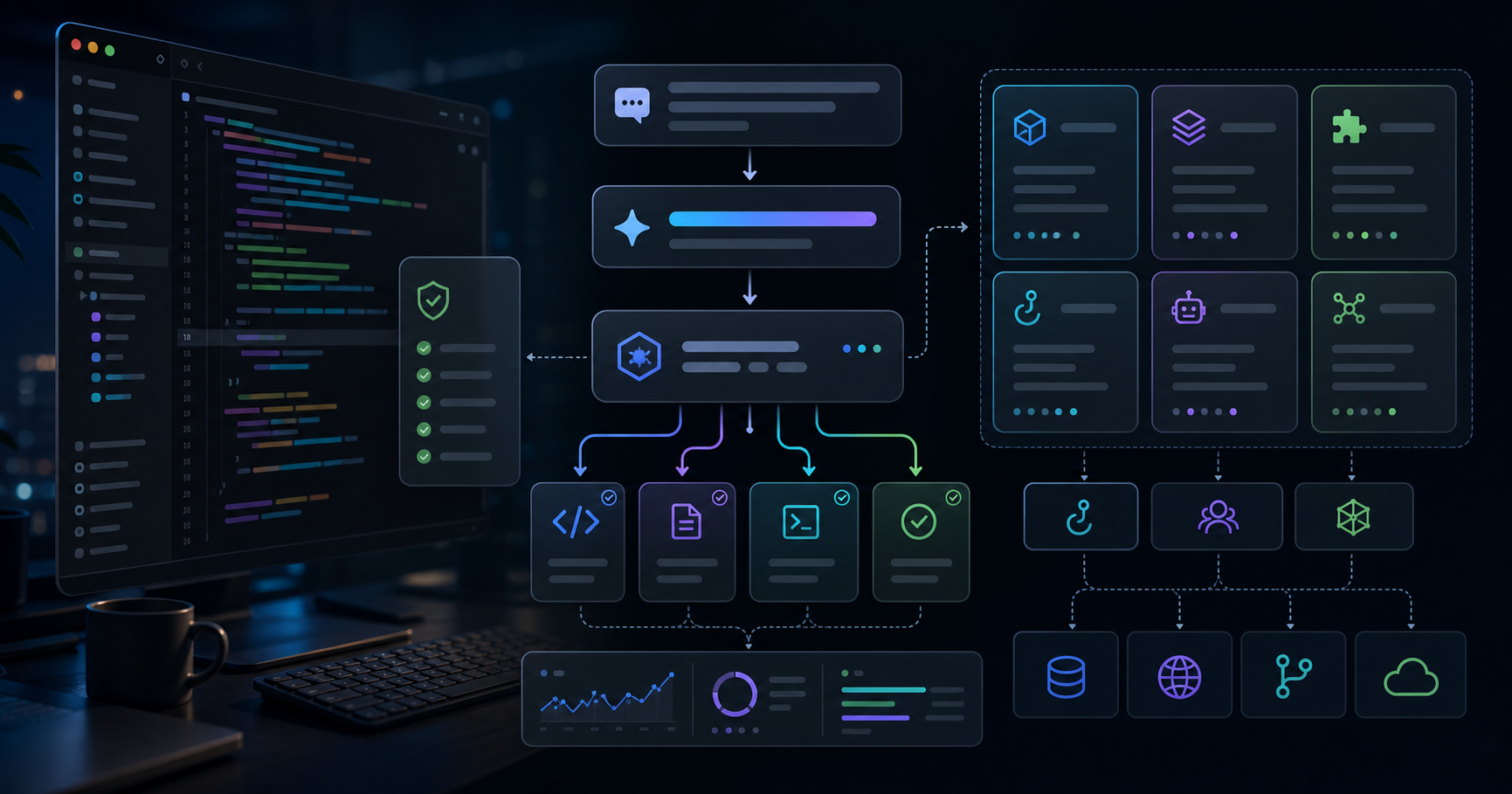
In my last post on Skill design, I argued that Skills should own "local article formatting" while MCP should own "external state." Quietly, the part that has had the biggest impact on my day-to-day research is the MCP side. Once Claude Code can naturally reach into research notes, past proposals, and meeting minutes, the first hours of any research task get much shorter.
This post is the shortest-path build log for that connection. Not a "perfect RAG" article — just enough to be genuinely useful in tomorrow's work. The example is a fictional setup built around documents every organization has — research notes, past proposals, and meeting minutes — and the same patterns transfer to internal wikis, sales proposals, or support tickets in other domains.
Version note: This is based on Claude Code (Opus 4.7) and the official Python
mcpSDK as of May 2026. The MCP spec and CLI behavior can change, so always check the official docs and release notes before shipping to production.
TL;DR: What You'll Learn
| Topic | What you'll learn |
|---|---|
| Why MCP | Why MCP beats DIY RAG for this use case |
| Minimum build | A 30-minute stdio MCP server you can copy |
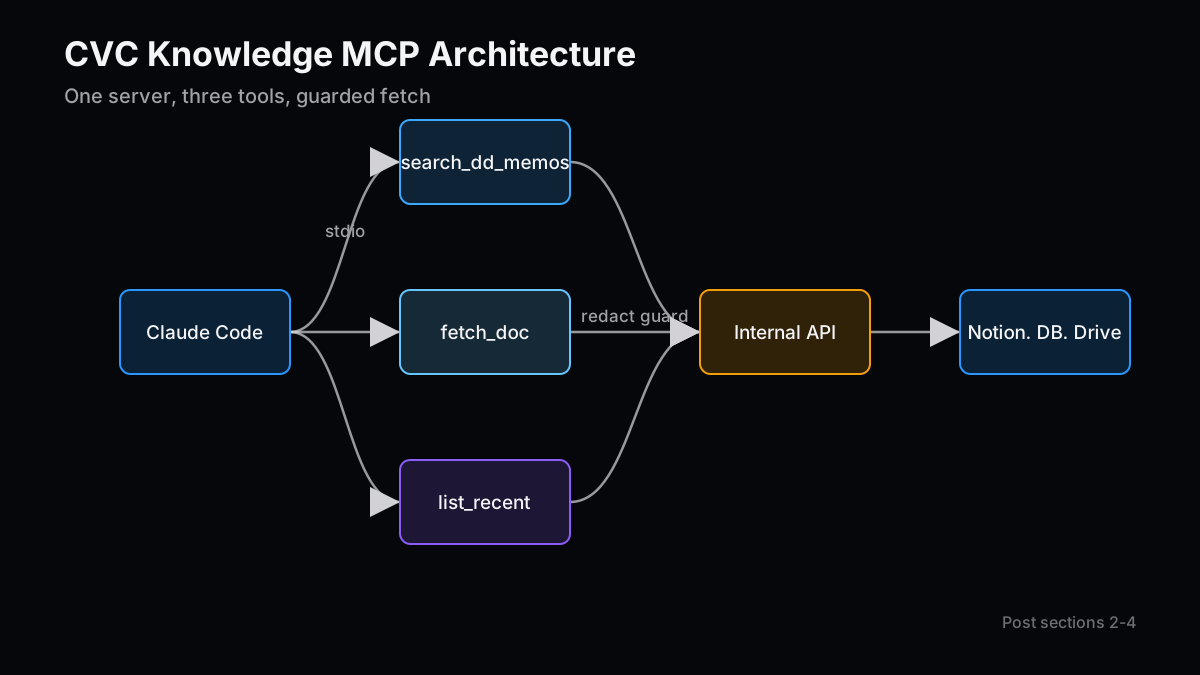
| Tool design | Separating search / fetch_doc / list_recent responsibilities |
| Security | How to not expose sensitive data |
| Workflow | How the research conversation changes |
| Verification | A repeatable "did it fire?" recipe |
1. Why MCP, Instead of Rolling Your Own RAG
This is the first question worth answering honestly. "Can't I just glue together LangChain and call it a day?" is still a very common reaction. I asked myself the same thing.
After about six months of using this, my conclusion is fairly firm. In domains where information sources are plural, formats are inconsistent, and content updates weekly, DIY RAG is too heavy to maintain. Research notes live in Notion, customer data lives in an internal DB, past proposals live in Google Drive, meeting minutes live in SharePoint. That is a common shape.
The benefits of leaning on MCP instead, from my hands-on view, are roughly three.
| Aspect | DIY RAG | MCP server |
|---|---|---|
| Search tuning | You own embeddings, rerankers, and prompts end-to-end | Wrap existing search APIs as tools |
| Client integration | Each app needs its own glue code | Claude Code, Claude Desktop, and other clients use a shared protocol |
| Update freshness | Requires a re-indexing scheduler | Hits the source search API directly, so freshness is automatic |
It seems to me that MCP is best framed not as "a plugin spec to grow Claude's abilities," but as "a shared protocol between LLM clients and data sources." If you already have internal search APIs or tooling, wrapping them thinly is the fastest move.
This is still up for debate where you genuinely need top-tier retrieval quality — there is real room for custom RAG. But for "shrink the first day of a research task by an afternoon," MCP plus existing search is, at this point, plenty.
2. Get an stdio MCP Server Running in 30 Minutes
This section is implementation-heavy. Personally, I like to stand up "something that runs" first, and then refine tool design. The reverse rarely works for me.
Here is the smallest example using the official Python SDK (mcp package), connected to Claude Code over stdio. One file.
# server.py
from mcp.server.fastmcp import FastMCP
from typing import Any
import os, httpx
mcp = FastMCP("team-knowledge")
KB_BASE = os.environ["KB_BASE_URL"] # internal search API base URL
KB_TOKEN = os.environ["KB_API_TOKEN"] # short-lived service token
async def _get(path: str, params: dict[str, Any]) -> dict:
headers = {"Authorization": f"Bearer {KB_TOKEN}"}
async with httpx.AsyncClient(timeout=15.0) as c:
r = await c.get(f"{KB_BASE}{path}", params=params, headers=headers)
r.raise_for_status()
return r.json()
@mcp.tool()
async def search_memos(query: str, limit: int = 5) -> list[dict]:
"""Search past research memos by free text."""
data = await _get("/search/memos", {"q": query, "limit": limit})
return [{"id": h["id"], "title": h["title"], "snippet": h["snippet"]} for h in data["hits"]]
@mcp.tool()
async def fetch_doc(doc_id: str) -> str:
"""Fetch the full body of a memo or proposal by ID."""
data = await _get(f"/docs/{doc_id}", {})
return data["body_markdown"]
@mcp.tool()
async def list_recent(kind: str = "memo", days: int = 14) -> list[dict]:
"""List recently updated docs. kind in {memo, proposal, minutes}."""
data = await _get("/recent", {"kind": kind, "days": days})
return data["items"]
if __name__ == "__main__":
mcp.run(transport="stdio")
For Claude Code, I prefer dropping .mcp.json at the project root. It scales better than a global config.
{
  "mcpServers": {
    "team-knowledge": {
      "command": "uv",
      "args": ["run", "python", "server.py"],
      "env": {
        "KB_BASE_URL": "https://kb.internal.example.com",
        "KB_API_TOKEN": "${env:KB_API_TOKEN}"
      }
    }
  }
}
I use uv because dependency resolution and virtualenv setup collapse into a single command. Plain venv works too, but for sharing inside a team, uv run has noticeably fewer accidents in my experience.
Restart Claude Code at this point and the tools start showing up. Most first-time failures are PATH or token problems — the verification recipe near the end usually catches them faster than staring at code.
3. Tool Design: Split into search / fetch_doc / list_recent
More important than the implementation. When you first build this, it is very tempting to expose a single mega-tool, something like get_everything(query). I started there too. Honestly, it does not work well.
The reason is that LLMs route to tools by reading the tool name and description. A do-everything tool looks like "fits any query," but in practice it becomes "unclear when to call." The model hedges.
What I have settled on is a three-way split.
| Tool | Role | Returns |
|---|---|---|
search_* | Free-text retrieval | Top-N IDs, titles, snippets |
fetch_doc | Body by ID | Markdown body |
list_recent | Time-based browsing | Items updated in the last N days |
The benefit of this split is that it matches Claude's natural flow: search first, then fetch only the one or two that look relevant. A tool that returns full bodies upfront inflates context fast and drags unrelated material into the conversation.
The descriptions matter as well. Adding one line like "Search research memos only — does not include meeting minutes" to search_memos greatly reduces collisions with a later tool such as search_minutes. Tool descriptions, like Skill descriptions, should answer "when to call," which is my consistent rule.
It is worth pausing here. For internal knowledge, "split into three" actually ships faster than "wire everything together," which is mildly counter-intuitive in my experience.
4. Designing for "Do Not Expose" with Sensitive Data
This is the part I most want to be careful with as a technical post. Internal documents routinely contain NDA-bound information about counterparties, pricing negotiation history, and internal opinion notes. The moment you connect this to MCP, the instinct of "I just gave an LLM everything" should feel uncomfortable.
The guard model I actually run has four layers.
| Layer | What it does |
|---|---|
| Data | Documents flagged confidential are excluded at the search API response |
| Tool | fetch_doc inspects classification and returns only summaries for restricted docs |
| Protocol | The MCP server's startup token has minimum-privilege scopes |
| Audit | All requests are logged server-side and tagged with the originating Claude Code session |
The point I care about most is dropping data before it ever reaches a form the LLM can see. Telling the model "don't reveal secrets" in the system prompt is best-effort at best. If the MCP server physically refuses to return certain content, no amount of prompt injection breaks that.
A minimal example — add a classification check inside fetch_doc.
@mcp.tool()
async def fetch_doc(doc_id: str) -> str:
    data = await _get(f"/docs/{doc_id}", {})
    if data.get("classification") in {"restricted", "nda-locked"}:
        return f"[REDACTED] Summary only: {data['summary']}"
    return data["body_markdown"]
A small addition, but in my opinion the least-negotiable line. When you talk to a security team, "the surface visible to the LLM has been physically narrowed" tends to land better than any policy language.
While we are at it: confidential data is not the only category to keep out. People-related notes — internal assessments, expected departures, HR information — almost always have zero upside to expose via MCP, even if they live on a "public wiki." "Can be exposed" and "should be exposed" are two different things, and drawing that line up front saves a lot of cleanup later.
5. How the Research Conversation Changes
This part is not about code, but for some people it is the more important shift. Before and after wiring MCP, the entry point of a research kickoff conversation is different.
| Before | After |
|---|---|
| "I feel like we've looked at this space before…" | "Run list_recent over the last 12 months of memos." |
| "Who put that proposal in Drive again?" | "Search research memos for 'stationary storage'." |
| "What did we decide in last month's review?" | "List recent with kind=minutes." |
It looks unflashy, but it lands. I have previously written that, when I joined the investment team, there was no shared quality baseline for investment reviews, and I helped standardize it. What I most wanted at that moment was exactly this: a 30-second answer to "what has the team already looked at on this theme?" With it, a new team member should ramp into research noticeably faster.
One caveat — MCP makes "finding" faster, not "judging." Checking whether a number holds up or pressure-testing market assumptions is still human work. Confuse this and you slip into "Claude handled it, so we're fine," which is exactly when accidents happen. I caught myself drifting in that direction during the first few weeks and had to correct course.
6. Gotchas I Stepped On in the First 30 Minutes
The implementation itself takes 30 minutes. Getting it to actually run took me another hour. Three big ones worth flagging.
- stdio debugging is opaque: Claude Code only shows you tool call results. Server-side
printmust go to stderr (sys.stderr) or it corrupts stdout and breaks the protocol. Useprint("...", file=sys.stderr)orlogging. - Environment variables depend on Claude Code's launching shell: GUI launches frequently do not read
.zshrc. The safest move is to declare env vars explicitly in.mcp.json. - Tool description language matters: In my testing, English descriptions get selected more reliably, even for Japanese queries. I had a stretch where the tool stubbornly refused to fire, and the cause was Japanese-only descriptions.
These are the "not in the official docs, but obvious once you hit them" kind. Writing them down for your future self is worth doing.
7. A "Did It Actually Fire?" Verification Recipe
Last piece. "I connected MCP but Claude keeps insisting it doesn't know" is extremely common at the start. Triage in order.
# 1) Does the server start standalone?
KB_BASE_URL=... KB_API_TOKEN=... uv run python server.py
# -> success if it blocks waiting for stdin (and stderr is clean)

# 2) Can Claude Code see it?
# Inside Claude Code, run `/mcp`
# -> team-knowledge should show as "connected"

# 3) Will the model pick a tool when told to?
# Directly tell Claude Code: "Call list_recent for memos."
# -> a tool-call trace should appear

# 4) Does it fire on a natural request?
# Ask: "Summarize the topics in research memos from the past two weeks."
# -> list_recent should fire, then fetch_doc on a couple of items
If step 4 passes, you are good for real use. If step 3 is where you stall, it is almost always a description problem, or a too-abstract tool name. Names like do_things genuinely do not get called.
A small observation, but naming tools as verb_noun with the domain baked into the name noticeably improves routing. search_memos over search, fetch_doc over get. The same principle as Skill design: pour "when to call" into both the name and the description.
Conclusion: MCP Changes Organizational Terrain, Not Just Model Capability
A slightly wider take to close. What I have noticed since wiring MCP is that it is less about expanding an LLM's capabilities and more about reshaping the terrain of organizational knowledge.
When research notes, past proposals, and meeting minutes can be pulled in 30 seconds, the gap between newer and more senior team members — the gap of "does this person remember the past context" — gets noticeably thinner. I once wrote about ramping team members from zero to leading investment reviews solo in three months; the heaviest lift in that period was always "sharing prior internal context." MCP hits that bottleneck directly.
The flip side: if your knowledge is scattered and you don't even have search APIs to wrap, the prerequisite work is pre-MCP. MCP is not magic. It is a tool that doubles the leverage of already-organized data. That, at this point, is how I read it.
You do not need a perfect build. One tool, one domain, 30 minutes. Use it in tomorrow's research once. Add the next tool when the next gap shows itself. That iteration moves the actual workplace faster than designing a perfect RAG on a whiteboard.
Next Issue Ideas
- Idea 1: A Zero-Accident Dev Environment with Hooks — Practical PreToolUse / Stop Templates — As MCP connections multiply, so do "tools you do not want fired." I'll work through PreToolUse hooks that guard sensitive tools and Stop hooks that always emit audit logs, with copy-pasteable templates.
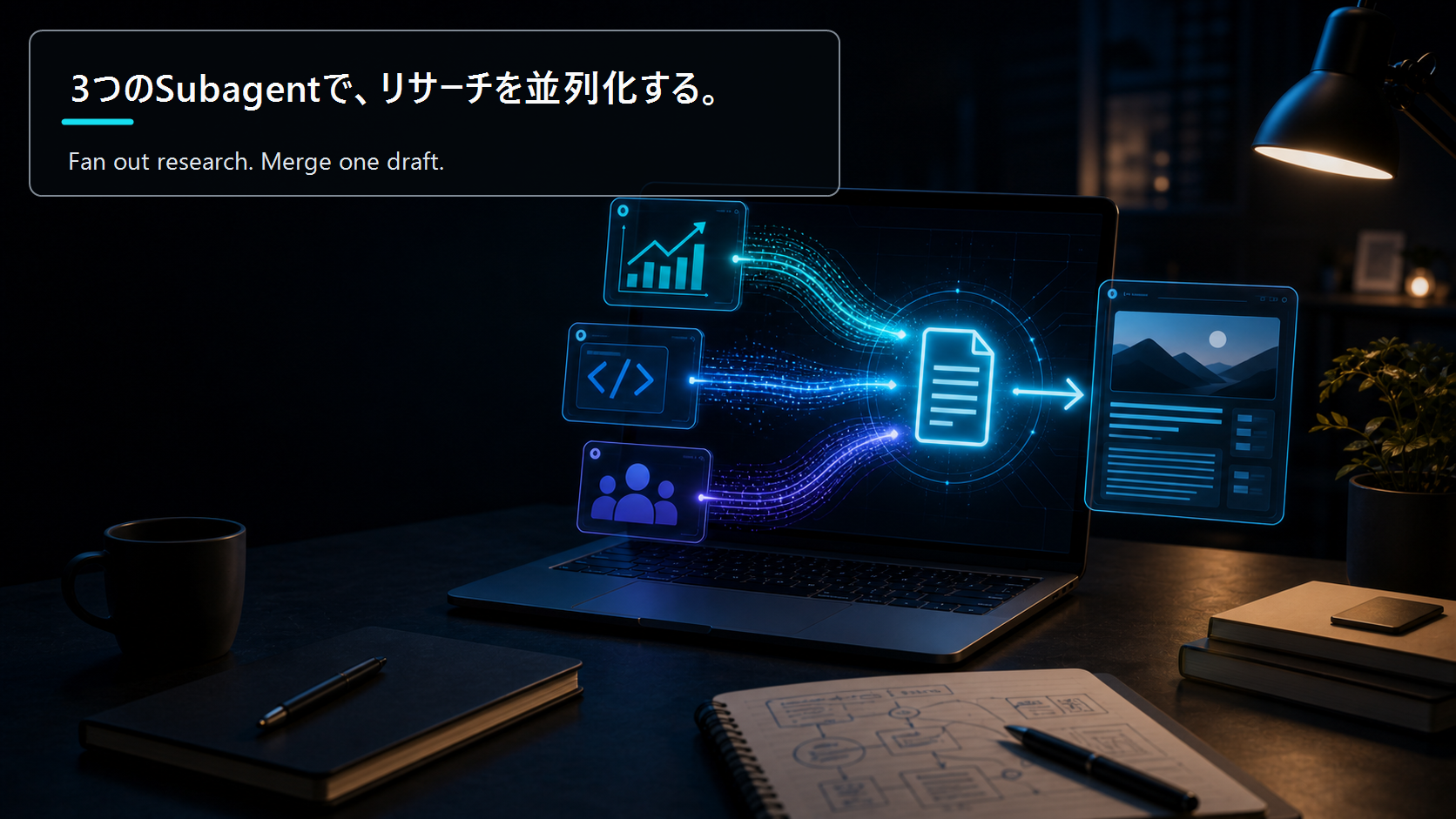
- Idea 2: Parallel Blog Research with Subagents — Run separate subagents over the investment, technical, and reader-need axes, then merge into one article. I'll show how to reuse this post's MCP server directly as the data source for the "investment subagent."
- Idea 3: When to Move an MCP Server from stdio to HTTP — Where is the line between a personal stdio server and a team-shared HTTP/SSE server? I'll lay out the migration decision through the lenses of auth, scopes, audit, and scale, from an implementer's view.
Related Posts
- How to Build a Mid-Size Company AI Operations Package Before Selling It for $3K a Month — For solo creators moving into corporate work in the AI era, sell "running operations" — not "tool deliveries." Designi…
- The AI Operations Proposal Template, Fully Filled In — 7 Pages, Price Table, and Scope-Creep Language You Can Paste — A fully filled-in seven-page AI operations proposal template covering tiered pricing, revision caps, and scope-creep c…
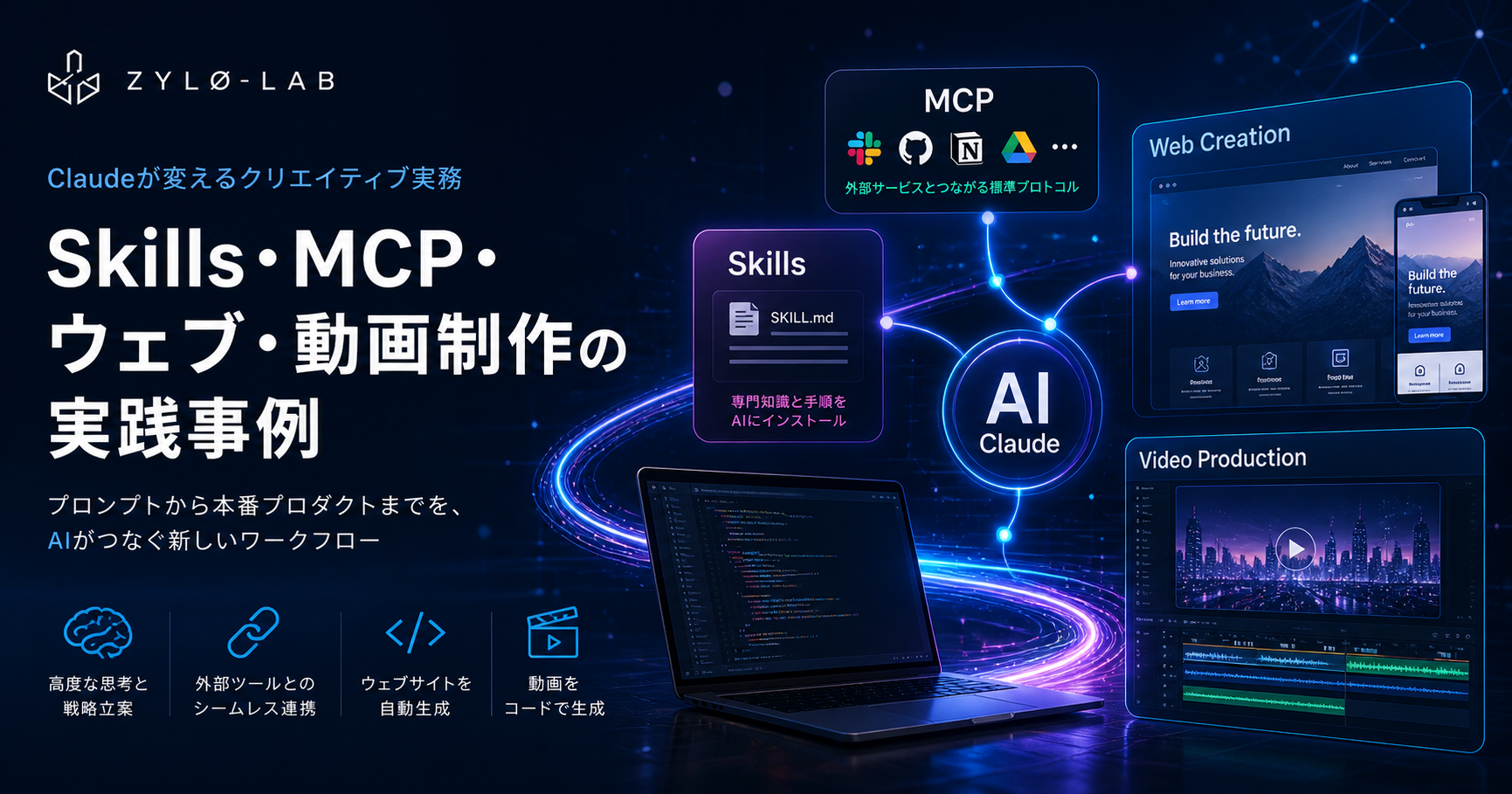
- Claude Skills, MCP, Website Generation, and Programmatic Video in Production: A Practical Engineer's Guide 2026 — Claude Code skills, MCP server building, website generation, and Remotion programmatic video — a practical engineer's …
References
The factual and numerical assumptions in this article are anchored to primary or public materials that readers can revisit during AdSense review and future updates.
This article is for informational purposes only and does not constitute investment advice or a recommendation of any specific stock, service, or contract structure. The author may hold positions or interests related to companies or services mentioned. Generative AI was used for parts of research, translation, and proofreading, with final review by ZYL0. See the disclaimer for details.